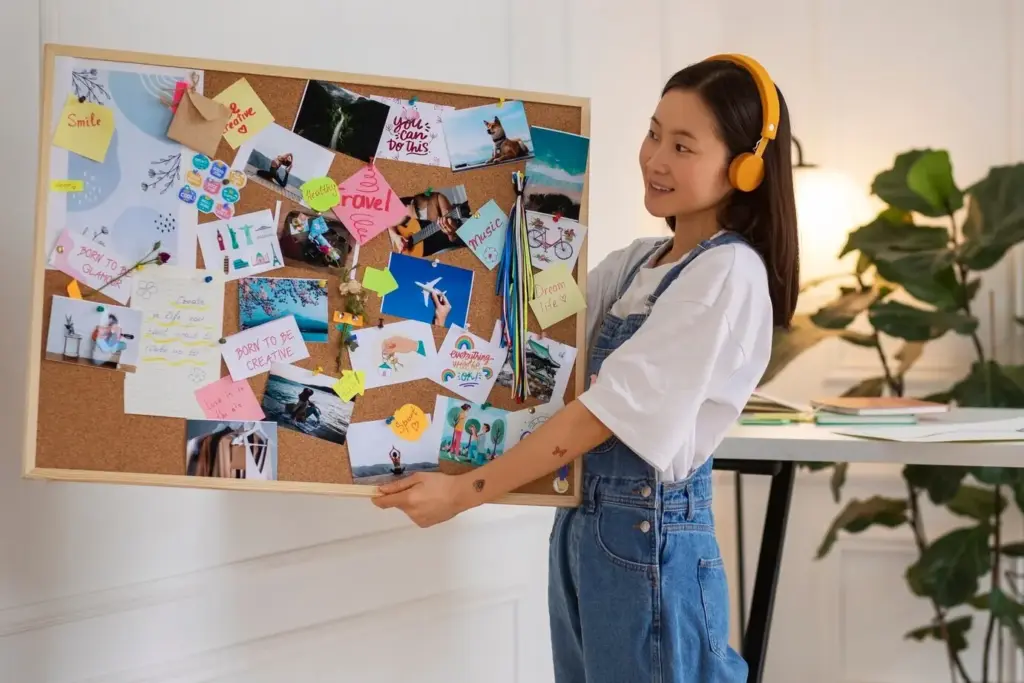
Keep a pocket notebook beside your phone tray. Before checking messages, list three intentions and one sticky worry. Circle real actions, star anything delegable, and shoot a quick scan for later. This gentle ramp shields attention while preserving the spark of fresh ideas.
Open the day’s pages and your task app side by side. Migrate unfinished items deliberately, add context, and archive reference scans to folders. End by writing a one-sentence win and one lesson. This anchors progress, prevents drift, and makes tomorrow’s starting point unmistakable.
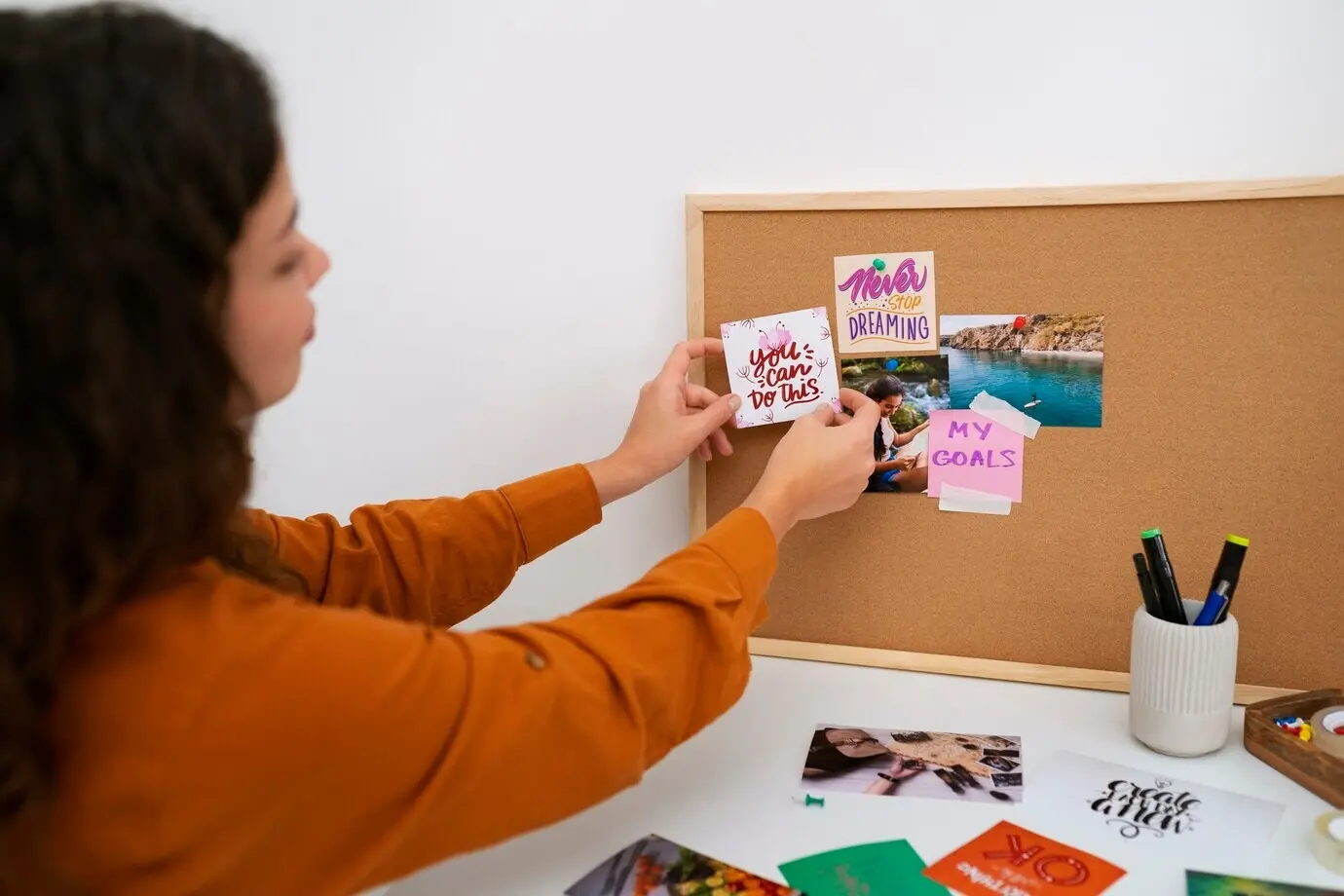
Choose a consistent window, perhaps Sunday afternoon. Empty pockets, inboxes, and loose sheets into a single review stack. Clarify projects, close stale tasks, and schedule restorative time. By resetting deliberately, you reduce background anxiety, reveal priorities, and protect energy for the opportunities ahead.
Adopt a simple mark, like a box, for actionable lines. During review, scan only marked lines into your task app, auto-tagged by project. This keeps thinking loopy and alive on paper, while ensuring execution lives where reminders and collaboration naturally happen.
Write names, date, and decisions in bold at the top of each page. Scan immediately, paste the link into the calendar event or project. Now stakeholders can search, you're protected by provenance, and actions flow directly into the shared backlog or board.
Use bold section headers, bullets, and open white space. Reserve symbols for consistent meanings, and write action verbs first. When the scan hits your notes app, structure survives the transition, letting you skim decisively and route items without rethinking your entire page.
Number pages and dedicate the first spread to a rolling index. When you create a new collection, add a short entry and range. Scans inherit this logic, making digital search faster and rescuing buried insights long after the project has ended.
Choose dark, non-reflective ink and avoid glossy pages that glare under lamps. Use a neutral, uncluttered background when photographing. These simple tweaks materially increase edge detection, flattening errors, and OCR legibility, which in turn accelerates tagging, searching, and confidence in your archives.
All Rights Reserved.